Overview
Clarity brings hyperspectral imagery, spectral analysis, and machine-learning workflows into one cloud platform. Inspect a scene, compare spectral signatures, prepare versioned training data, and apply trained models to new imagery.
Choose your workflow
| Start with | Work toward | Guides |
|---|---|---|
| Imagery | A useful visualization and an understood spectral signal | Import files, create color composites, and inspect spectra |
| Labels or reference spectra | A versioned dataset and an evaluated model | Prepare datasets, train models, and apply them to new imagery |
| A repeatable task | An automated or agent-assisted workflow | Python SDK, Clarity AI, and agent documentation |
Use Projects to keep related files, workspaces, datasets, models, and spectral libraries in one working context.
From imagery to a model result
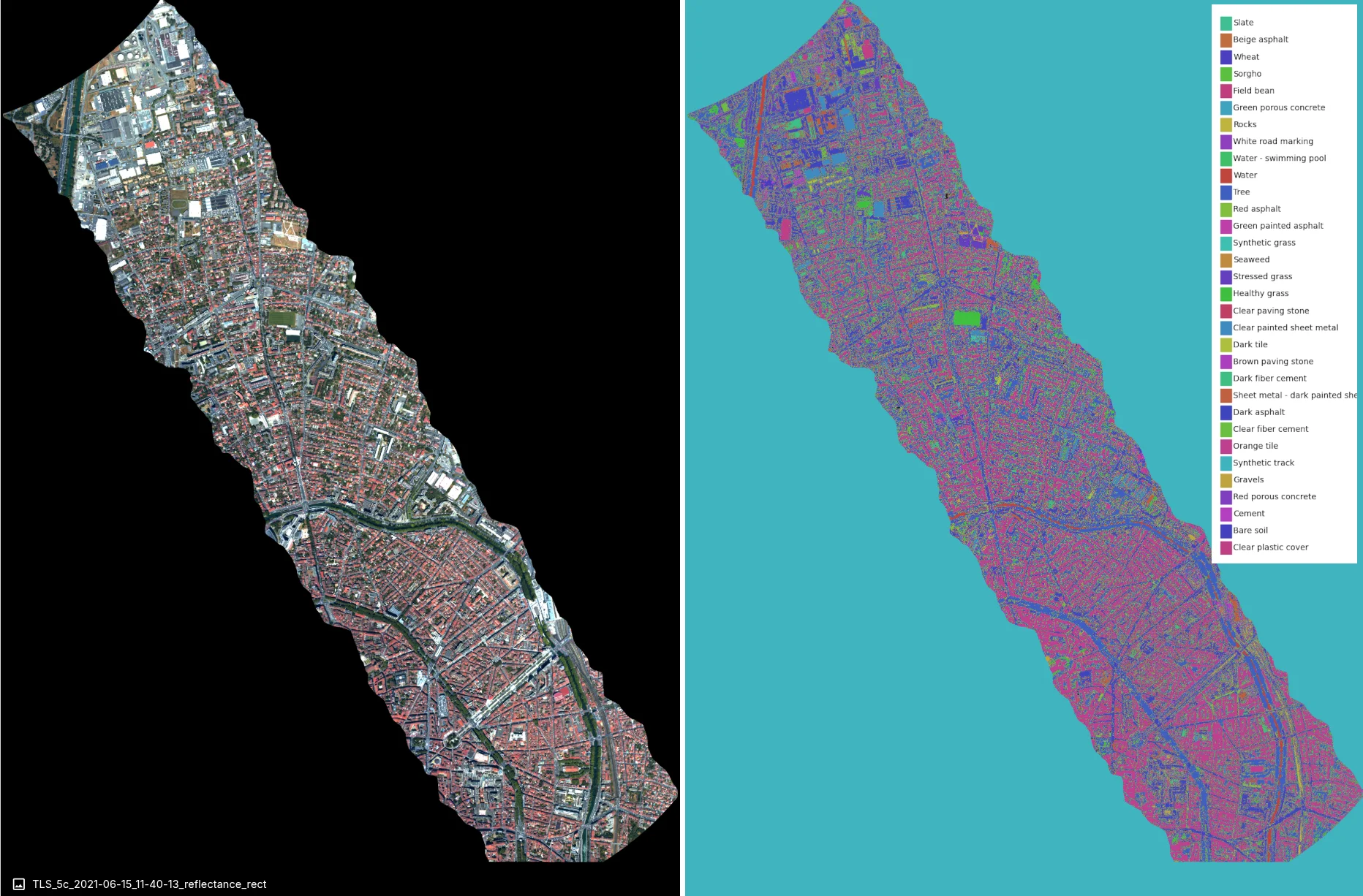
The Toulouse example pairs a color composite with a classification output. For the evaluation protocol and interpretation of this qualitative example, see Toulouse dataset evaluation.
- Upload data, confirm its processing level, and open it in Spectral Explorer.
- Inspect the imagery and create finalized labels or reference spectra.
- Create and finalize a dataset version.
- Choose a model type, train it, and inspect held-out metrics and predictions.
- Run inference on compatible imagery and validate the result for the intended application.
For a guided example, follow the plastics unmixing tutorial.
Extend your workflow
- Image versions and corrections: create and compare destriped, atmospherically corrected, or orthorectified imagery in the 0.100 Preview.
- Managed Imagery Catalog: find managed imagery across folders and projects with Alpha access.
- Spectral Libraries: curate reusable reference signatures.
- Clarity AI example prompts and capabilities and tools: work with contextual analysis and research assistance.
- ArcGIS Pro add-in: support-assisted integration for existing customers.
Release information and help
What's new records release availability. Guides mark Preview and Alpha features where they affect a workflow; their availability depends on your environment.
For access and assistance, see Account access or contact support@metaspectral.com.